When your notes need to do more than store information
Your lecture notes are tidy, the headings are colour coded and every document is in the right folder. Yet you hesitate when someone asks you to explain a point without opening the file. You may not need more notes, but a way to work with the ones you already have.
The Aria editorial team · 7 min read · For students who want lecture notes and course extracts to become a basis for active practice.
Word and OneNote can work well for writing and organising material. An interactive note workspace is useful when you want to turn that material into questions, explanations and practice. Keep what works in your current setup, and judge new tools by whether they help you process your notes, not simply collect more text.
What already works in Word and OneNote?
Word is a useful starting point for sustained writing, structuring an assignment and refining sentences. OneNote is designed to collect notes in notebooks, sections and pages. Microsoft describes features including text, handwriting and content organisation. Calling these tools outdated or unsuitable for students would therefore be misleading.
OneNote also offers more than plain text, and some Microsoft setups include AI assistance. Availability depends on versions and subscriptions. The distinction worth examining is not which app has “modern” features, but how you move from a note to academic work. Can you use the content to investigate a question and test your knowledge?
If your current setup already supports that, you do not need to change it. Word might suit assignments and OneNote might suit lectures, while you want another tool for practice. A new tool should solve a specific problem; moving an entire semester’s archive just to get a different appearance has little value.
A good archive is not the same as understanding
Taking notes can help you select and formulate material, but the effect depends on what you do while writing. Kobayashi’s 2005 meta-analysis examines learning that occurs during note-taking itself. It reports a positive but modest average effect that varies across conditions. This does not establish that a particular app or note format is best.
Consider a note about correlation and causation. Copying the definitions stores them. Explaining why two variables can vary together without one causing the other begins to process the relationship. Adding your own example also helps reveal where your explanation is incomplete. The distinction is between keeping information and doing something with it.
The next step is active recall: retrieving knowledge without looking at the answer. Dunlosky and colleagues’ 2013 review gives strong support to practice testing and practice spread over time. It supports these ways of working, not a claim that an interactive note workspace itself improves grades. The note provides the starting point; your work with it matters.
What can an interactive note workspace offer?
Aria offers document and freeform notes. Document format suits continuous writing, while freeform gives you room to arrange text and visual elements on a canvas. Choose according to the task, rather than making every note look alike. An argument may need paragraphs; a relationship between concepts may be easier to examine visually.
The workspace also brings your notes together with access to sources, transcripts and study tools. Recording-derived content has its own views, and inserting it into the note is a deliberate choice. Your own explanation should not be confused with a raw transcript or an AI suggestion. Keep track of what comes from the source and what you have formulated yourself.
- Your own notes: Write explanations, questions and examples as you work through the material.
- Sources and recordings: Return to relevant file text or an available transcript when wording is unclear.
- Questions and practice: Use Aria chat, flashcards or quizzes to investigate and test a focused part of the content.
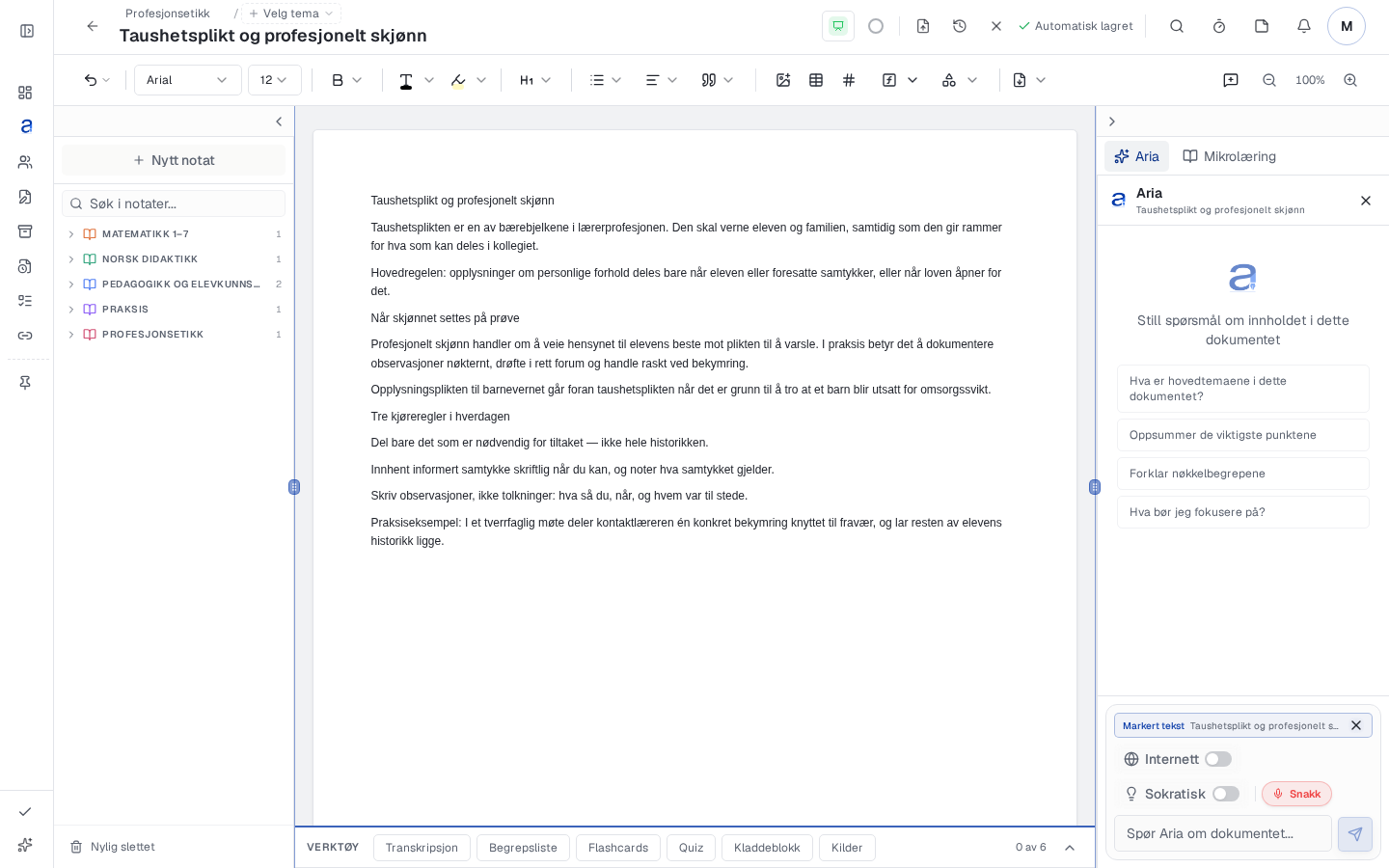
From a note to practice in Aria
Try one topic you are already studying. For the correlation example, you only need the definitions and a short argument, not every document from the semester. Use this session to see whether the connection between notes and practice suits the way you work.
- Open or create a document or freeform note. Add relevant material and wait for attached files to finish text processing before using them as sources.
- Write your own explanation and one remaining question. Distinguish it from copied extracts and any transcripts.
- Use the note as the basis for a focused question to Aria, or create flashcards or a quiz from relevant available content. Check suggestions against your course material.
- Answer with the note closed. Examine mistakes, improve your explanation and try a new example later.
A useful check might be: “Why does a relationship between ice cream sales and drowning incidents not show that ice cream causes drowning?” Explain that a third factor, such as hot weather, could influence both. The point is to examine a possible explanation, not to treat an invented example as documented data.
Try a different approach before moving everything
Just finish the document
- Copy the definition and highlight key terms.
- Tidy the headings and file the note away.
- Read it again when the exam approaches.
Keep working with the note
- Explain the concept using your own example.
- Create a question that reveals a possible misconception.
- Answer independently and revise the explanation afterwards.
You can make this change with paper, Word or OneNote too. An interactive workspace can place several of these actions close to the material you are studying. That may make the move to practice more direct, but you still need to choose useful questions and make the independent attempt yourself.
Before moving important material, try a copy of one note. Check text, images, formulas and tables, and keep the original until you have checked the result. Aria offers PDF export, but this does not mean every format can move back and forth unchanged. Do not plan a complete transition just because a simple piece of text worked.
When should you keep your current setup?
Keep the tool you know if your main task is writing a long assignment or organising material, and practice already works well alongside it. You can also use a note workspace for selected topics only. It does not have to be a choice between moving everything and never trying anything new.
Be more critical if a tool draws you into adjusting layouts, generating more than you can read or losing track of original sources. A useful workspace should make it easier to return to an academic question, not give you another archive to maintain. More available actions do not mean you need to use them all.
After the trial session, ask yourself: Can I explain this better with the note closed? Do I know what remains unclear and where to look for an answer? If the approach helps with that, it has a concrete value. If not, adjust the approach before adding more features.
Do this now
- Choose one note and a specific academic question.
- Write an example of your own that shows what you mean.
- Test yourself with the note closed and check against the source.
- Try import and export with a copy before moving important material.
Frequently asked questions
Do I need to stop using Word or OneNote?
No. Keep them for tasks they handle well. You can try an interactive workspace for selected topics and practice without moving your whole note archive.
Are freeform notes always better than documents?
No. Choose according to the task. A sustained argument may suit a document, while arranging content visually may suit a freeform canvas.
Can AI-generated notes replace my own notes?
A suggestion may help you get your bearings, but needs checking. Record what you understand and what remains unclear; a finished text does not show that you can explain its content.
Can everything move from Word or OneNote unchanged?
Do not assume so. Try a copy, check content and formatting, and keep the originals. An export option does not guarantee a flawless transfer between tools.
Sources
Try one of your own notes
Use your notes as the basis for questions and practice in Aria. Try the service free for 7 days.
Start 7 days free